Excel is one of those tools that almost everyone has used at some point.
But honestly, there’s a huge difference between using Excel and using Excel efficiently.
Many people still spend hours doing manual work in spreadsheets that could actually be completed in minutes with the right Excel skills.
That’s where advanced Excel becomes important.
Advanced Excel is not just about complicated formulas. It’s about improving productivity, saving time, reducing errors, and working smarter with data.
And in today’s professional world, these skills are becoming valuable in almost every industry.
Why Advanced Excel Skills Matter Today
Businesses today work heavily with data.
Whether it’s:
- Sales reports
- Financial analysis
- HR records
- Inventory tracking
- Business dashboards
Excel is used almost everywhere.
But companies don’t just look for people who can create spreadsheets.
They look for professionals who can:
- Analyze data faster
- Automate repetitive tasks
- Create reports efficiently
- Make better business decisions
This is why advanced Excel skills have become a major productivity tool.
What Are Advanced Excel Skills?
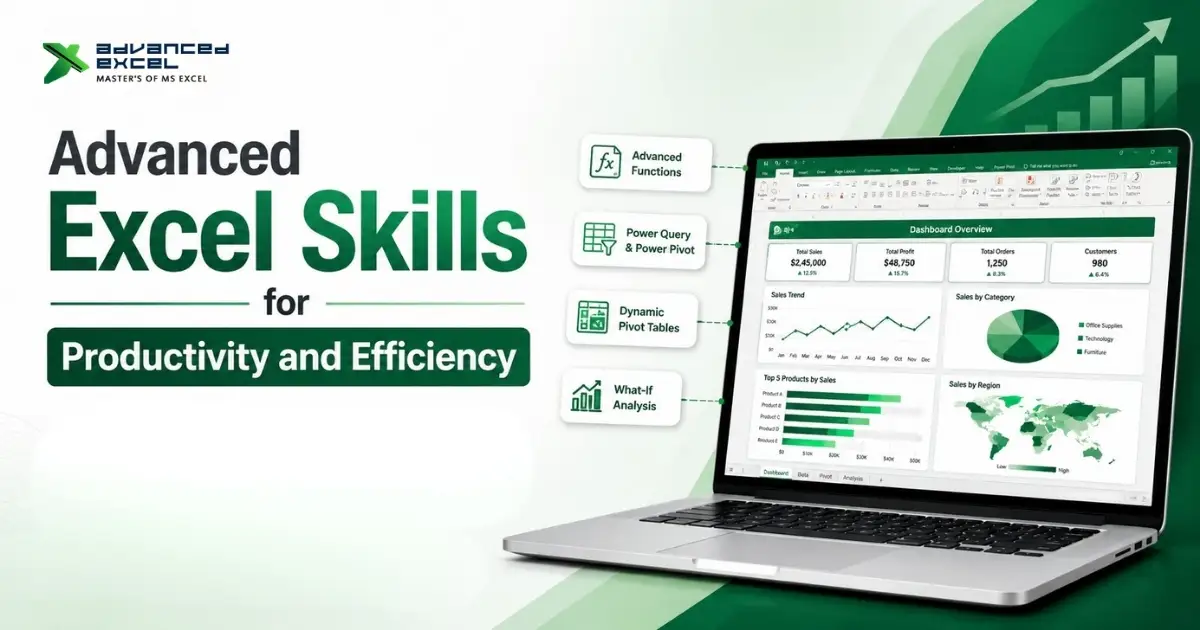
Advanced Excel skills go beyond basic data entry and simple formulas.
These skills include:
- Data analysis
- Automation
- Reporting
- Dashboard creation
- Advanced formulas
- Data visualization
- Data management techniques
The goal is simple:
? Work faster and more efficiently with large amounts of data.
How Advanced Excel Improves Productivity
Let’s understand this practically.
1. Faster Data Analysis
Without advanced Excel skills, analyzing large data can become very time-consuming.
Functions like:
- VLOOKUP
- XLOOKUP
- INDEX MATCH
- FILTER
- SUMIFS
help users quickly extract and analyze information.
Instead of manually searching data, Excel automates the process.
This saves a huge amount of time.
2. Better Reporting
Businesses rely on reports for decision-making.
Advanced Excel helps create:
- Automated reports
- Dynamic dashboards
- Interactive charts
- KPI tracking sheets
Instead of spending hours preparing reports manually every day, users can automate most reporting tasks.
3. Automation Reduces Manual Work
One of the biggest advantages of advanced Excel is automation.
Features like:
- Macros
- VBA
- Power Query
help automate repetitive tasks.
For example:
Instead of manually formatting hundreds of rows daily, a macro can complete the work in seconds.
This improves efficiency and reduces human errors.
4. Improved Data Accuracy
Manual work often leads to mistakes.
Advanced Excel features help reduce errors through:
- Data validation
- Conditional formatting
- Formula automation
- Error-checking functions
Accurate data is extremely important for business reporting and analysis.
5. Better Decision-Making
Advanced Excel helps convert raw data into useful insights.
Using dashboards, pivot tables, and charts, businesses can:
- Identify trends
- Compare performance
- Forecast growth
- Track KPIs
This helps management make faster and smarter decisions.
Important Advanced Excel Skills for Productivity
Let’s look at some key skills every professional should know.
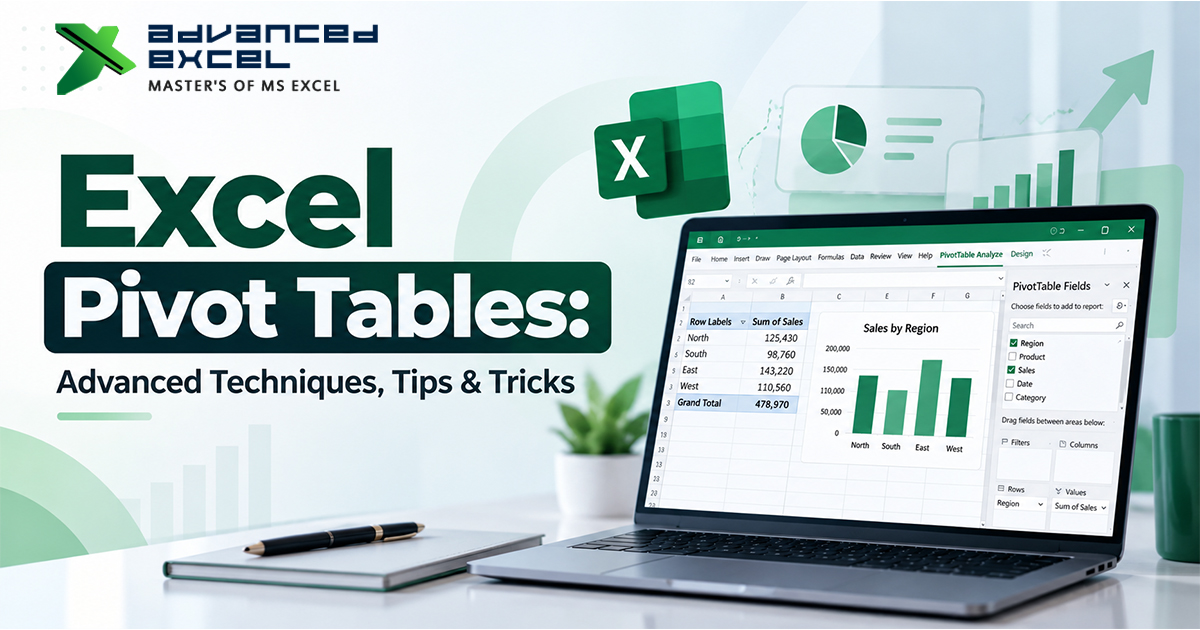
1. Pivot Tables
Pivot Tables are one of the most powerful Excel tools.
They help summarize and analyze large amounts of data quickly.
You can:
- Group data
- Create summaries
- Compare categories
- Generate reports instantly
? Very useful for business reporting.
2. Advanced Formulas
Advanced formulas improve speed and accuracy.
Popular formulas include:
- IF
- SUMIFS
- COUNTIFS
- INDEX MATCH
- XLOOKUP
- TEXT functions
These functions help automate calculations and data analysis.
3. Conditional Formatting
Conditional formatting automatically highlights important data.
For example:
- Low sales values
- Duplicate entries
- High-performing regions
This improves data visibility and reporting quality.
4. Data Validation
Data validation helps control incorrect data entry.
It ensures users enter only valid information in spreadsheets.
This becomes very useful in shared business files.
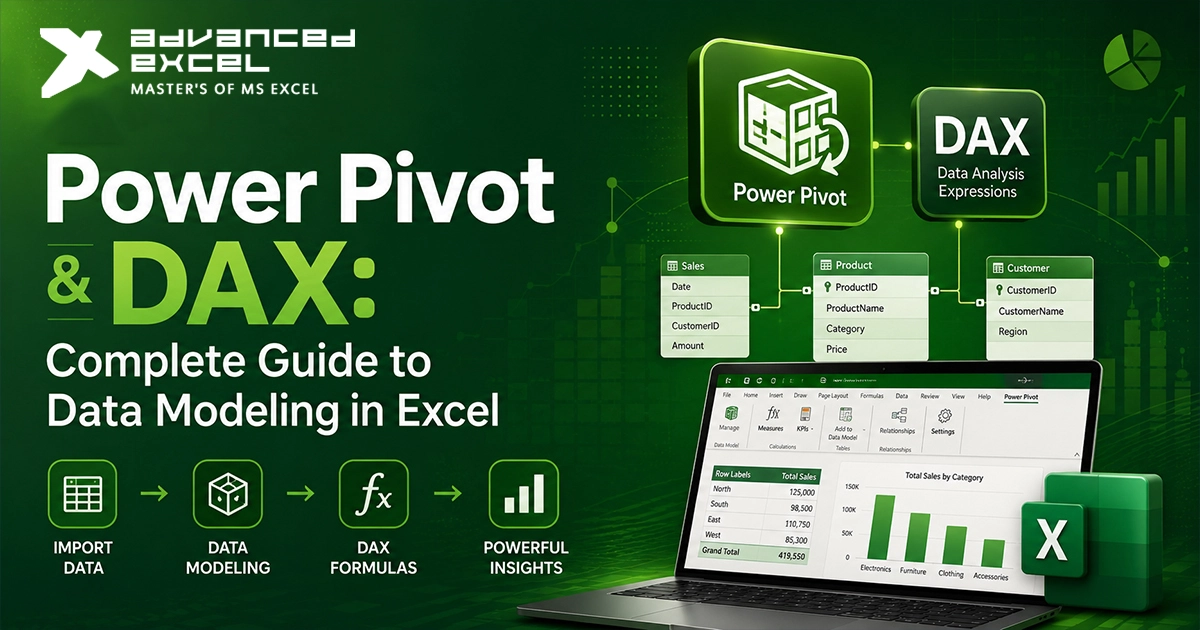
5. Power Query
Power Query is used for:
- Data cleaning
- Data transformation
- Combining multiple datasets
It saves massive amounts of manual work.
Especially for professionals working with large reports.
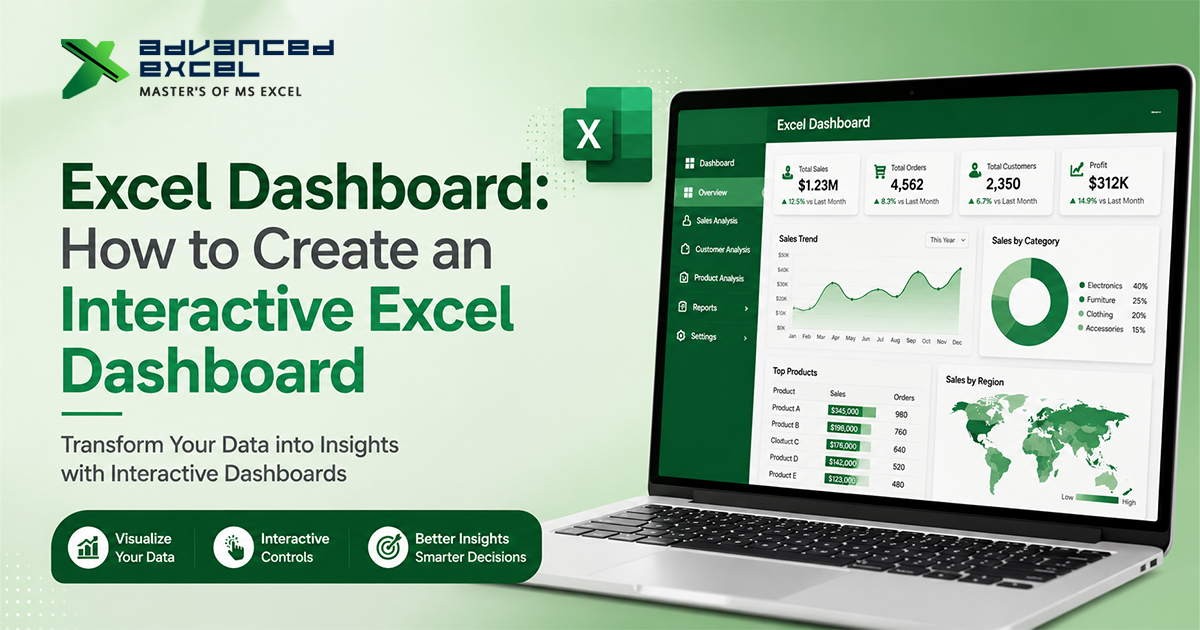
6. Dashboards & Charts
Excel dashboards help present data visually.
Using charts and KPIs, businesses can easily monitor performance.
Good dashboards improve reporting efficiency significantly.
7. Macros & VBA
Macros automate repetitive work.
VBA (Visual Basic for Applications) allows users to build advanced automation inside Excel.
This is highly useful for:
- Reporting automation
- File processing
- Data formatting
- Workflow automation
Industries Where Advanced Excel Skills Are Highly Valuable
Advanced Excel is used across almost every industry today.
Including:
- Finance
- Accounting
- HR
- Marketing
- Sales
- Data analytics
- Operations
- Supply chain
- Banking
This is why Excel remains one of the most demanded professional skills.
Common Productivity Problems Advanced Excel Solves
Without proper Excel skills, professionals often face:
- Slow reporting
- Manual data handling
- Repetitive tasks
- Formula errors
- Difficult data analysis
Advanced Excel helps solve these problems efficiently.
Excel vs Modern BI Tools
Many people ask:
? Is Excel still relevant after Power BI and AI tools?
And honestly… yes.
Excel is still one of the most widely used business tools globally.
In fact, many organizations use:
- Excel for working with data
- Power BI for visualization
Both tools complement each other.
How Learning Advanced Excel Can Help Your Career
Advanced Excel skills improve:
- Productivity
- Job opportunities
- Reporting capabilities
- Analytical thinking
Professionals with strong Excel skills are often preferred for:
- Analyst roles
- MIS jobs
- Reporting positions
- Finance profiles
Because businesses value employees who can manage and analyze data efficiently.
Tips to Improve Your Excel Productivity
Some practical tips:
- Learn keyboard shortcuts
- Use Pivot Tables regularly
- Practice formulas daily
- Automate repetitive tasks
- Build dashboards
- Learn Power Query
Consistency matters more than memorizing everything at once.
Future of Advanced Excel Skills
Even with growing AI tools and automation platforms, Excel continues evolving.
Features like:
- Power Query
- Dynamic arrays
- AI-based analysis
- Cloud collaborationThey
They are making Excel more powerful than before.
So advanced Excel skills will continue to be valuable in the future as well.
Final Thoughts
Advanced Excel is no longer just an optional skill.
It has become an essential productivity tool for professionals and businesses working with data daily.
From faster reporting and automation to better analysis and decision-making, advanced Excel skills help improve both productivity and efficiency significantly.
Whether you are a student, working professional, analyst, or business owner, learning advanced Excel can make your work smarter, faster, and more organized.
Advanced Excel provides practical, industry-focused training designed to help learners build strong Excel, reporting, and data analysis skills for real-world business environments.