Microsoft Excel is one of the most popular applications for data management, report preparation, data analysis and business decisions in today’s business environment where data is the key driver. Basic Excel enables the user to do basic calculation and arrange data, and advanced excel has powerful functions which enable better production, accuracy and efficiency in the working process. Knowing what to expect in Advanced Excel Training courses can assist students, professionals, and organizations make the right selection of learning programs.
In Advanced Excel, students will build real-world skills in Excel that they can apply to finance, accounting, administration, sales, HR, and business analytics. This training is designed to help build confidence among spreadsheet users and help them become a part of the professional community.
Advanced Excel Training
Advanced Excel Training is a Professional Training course which covers advanced functions, formulas, data analysis, reporting and automation in Excel. It is more than just formatting, simple calculations and data entry.
The main goal of mastering Excel is to enable professionals to manage vast amounts of data, reduce repetitive tasks, build interactive dashboards, and gain insights from data.
The following are some of the key topics of an advanced Excel course.
- Advanced Excel Formulas and Functions
One of the most crucial elements of Advanced Excel Training is the ability to use advanced formulas and functions. These functions enable users to carry out intricate calculations, handle information, and analyze data effectively.
Some of the fundamental formulas and functions are:
Conditional Calculations & Decision Making – IF, Nested IF, IFS:
– SUMIF, SUMIFS: Sum numbers that meet one or more criteria.
COUNTIF, COUNTIFS: Count records based on criteria.
VLOOKUP, HLOOKUP: to find information in tables.
– XLOOKUP: Locate matching values with flexible lookup:
– INDEX and MATCH: Look ups in an advanced way.
Handle formula errors properly, use IFERROR.
LEFT, RIGHT, MID, and TEXT: Get and work with text.
– CONCAT and TEXTJOIN: Merge text from several cells.
These functions are particularly helpful for accountants, MIS, finance, HR, and Data Management workers.
- Data Cleaning and Data Management
Typical data stored in business systems may have duplicate data, blank data, mismatched format, or incorrect data. Advanced Excel provides users with the skills necessary to clean and organize this information.
This module generally includes:
– Remove Duplicates
– Text to Columns
– Flash Fill
– Find and Replace
– Data Validation
– Sorting and Filtering
– Conditional formatting
– Handling blank cells
Checking data for errors
These methods are used to ensure accurate data and minimize data entry errors when reporting and analyzing data.
- Use a Pivot Table to analyze data and create a Pivot Chart.
One of the most powerful features of Excel for summarizing large sets of data is Pivot Tables.
- In Advanced Excel Training, learners understand how to:
Create and customize Pivot Tables
– Identify dates and numerical values in groups.
– Summarize data using different calculations
I hope this helps, you can use filters and slicers on tables.
– Create Pivot Charts
– Refresh reports automatically
Prepare Department wise and Month wise Summary.
For instance, a salesperson could use Pivot Tables to analyze product performance, monthly sales, regional revenue, and salesperson productivity without having to manually calculate all of these.
Use advanced data analysis methods.Apply advanced techniques of data analysis.
There are a number of tools available in Excel that can help professionals to analyse information and pinpoint business trends.
This section can contain:
– What-if analysis
– Goal Seek
– Scenario Manager
– Data Tables
– Solver
– Forecasting techniques
– Statistical functions
– Trend analysis
These features enable users to grasp various scenarios in the business and make decisions accordingly.
This is a creative course that teaches students how to produce graphical dashboards with data visualization.
Another crucial topic discussed in Advanced Excel Training is the creation of dashboards.
An Excel Dashboard is a way to display business information using charts, tables, indicators, and interactive features. Useful for managers who need to get a sense of key performance metrics in a snap.
Learners will be able to acquire skills in the following:
– Interactive dashboard design
– KPI reporting
– Bar chart and column chart
Line charts and pie charts.
– Combo charts
– Slicers and timelines
– Dynamic chart creation
– Pie charts and bar charts (Basic)
A good dashboard offers a single point of access to sales data, employee productivity, financial performance, inventory details, and trends of business growth.
Create data transformations using Power Query.Use Power Query for Data Transformation.
Power Query is a great Excel tool for data import, data clean, data transform and data combine.
Power Query training can include:
The data will be imported from an Excel file.
– Reading and writing data to CSV and text files.
– Data cleansing and data transformation
– Removing unnecessary columns
– Combining multiple files
– Joining and appending tables
– Automating data preparation
– Refreshing transformed data
Business users who frequently need to create reports using various files will find Power Query to be a very helpful tool.
Use Excel Macros and VBA Automation.Use Excel Macros and VBA Automation.
For users who want to automate repetitive spreadsheet activities, macros and VBA are important advanced topics.
This module can include:
– Recording Excel macros
Macros are not only run but also edited.Macros are not only run, but also edited.
– Understanding VBA basics
– Working with variables and loops
– Creating simple procedures in VBA
– Simplifying repetitive reporting tasks
You can assign macros to buttons.Macros can be assigned to buttons.
Automation helps to save time, increase consistency, and decrease manual work for common Excel tasks.
Advanced Excel Corporate Training.
Advanced Excel Corporate Training focuses on enhancing the productivity and reporting within the workplace for employees and business teams.
Corporate training is not just about theory, but also about the use of the same in the real world of business.
Organisations provide staff training on:
– MIS reporting
– Financial reporting
– Sales analysis
– HR data management
– Inventory reporting
– Dashboard development
– Formula-based automation
– Data cleansing & analysis
Advanced Excel Corporate Training empowers employees to have consistent reporting and enhance their business information management skills.
Who is Advanced Excel For?
Anyone working in any field or profession will benefit from advanced excel.
It’s especially helpful for:
– Financial support personnel
– MIS executives and reporting analysts
– HR professionals
Executives in the sales and marketing sphere.Sales and Marketing Executives.
– Business analysts
– Data analysts
– Administrative professionals
Those who are studying or have finished their studies.Students and fresh graduates.
– Managers and team leaders
Advanced Excel skills can be used to enhance and build upon other Excel proficiency levels and aid in preparing for business functions and reporting and data analysis.
Advanced Excel Corporate Training In Delhi
Advanced Excel Corporate Training In Delhi is available for those who want to learn more about advanced Excel from experts and organizations, enabling them to gain valuable skills in spreadsheet manipulation.
Real life activities and practical tasks, business reporting examples and working with complex datasets all form part of an appropriate training program.
At Advanced Excel, students can specialize in those industry-relevant skills in Excel that will advance their professional development and workplace productivity.
Training which integrates formulas, Pivot Tables, dashboards, data analysis and automation can help build confidence amongst learners when it comes to addressing various business reporting needs.
So, what’s the big deal with Advanced Excel Training for Career growth?
With many industries still using Excel as an important business tool, it’s also essential for the workplace. Advanced functions and reporting are essential for anyone aiming to add value and work more efficiently in their organization.
Having attended Advanced Excel Training, individuals can:
Enhance Data Analysis Skills
Minimize the amount of manual reporting tasks.
Increase spreadsheet accuracy
Build business dashboards with professional tools.Make business dashboards with business professional tools.
Be able to work with large data sets with ease
Improve workplace productivity
Enhance their professional competencies.
These skills are useful to both those who are seasoned professionals and those who are just starting out.
Conclusion
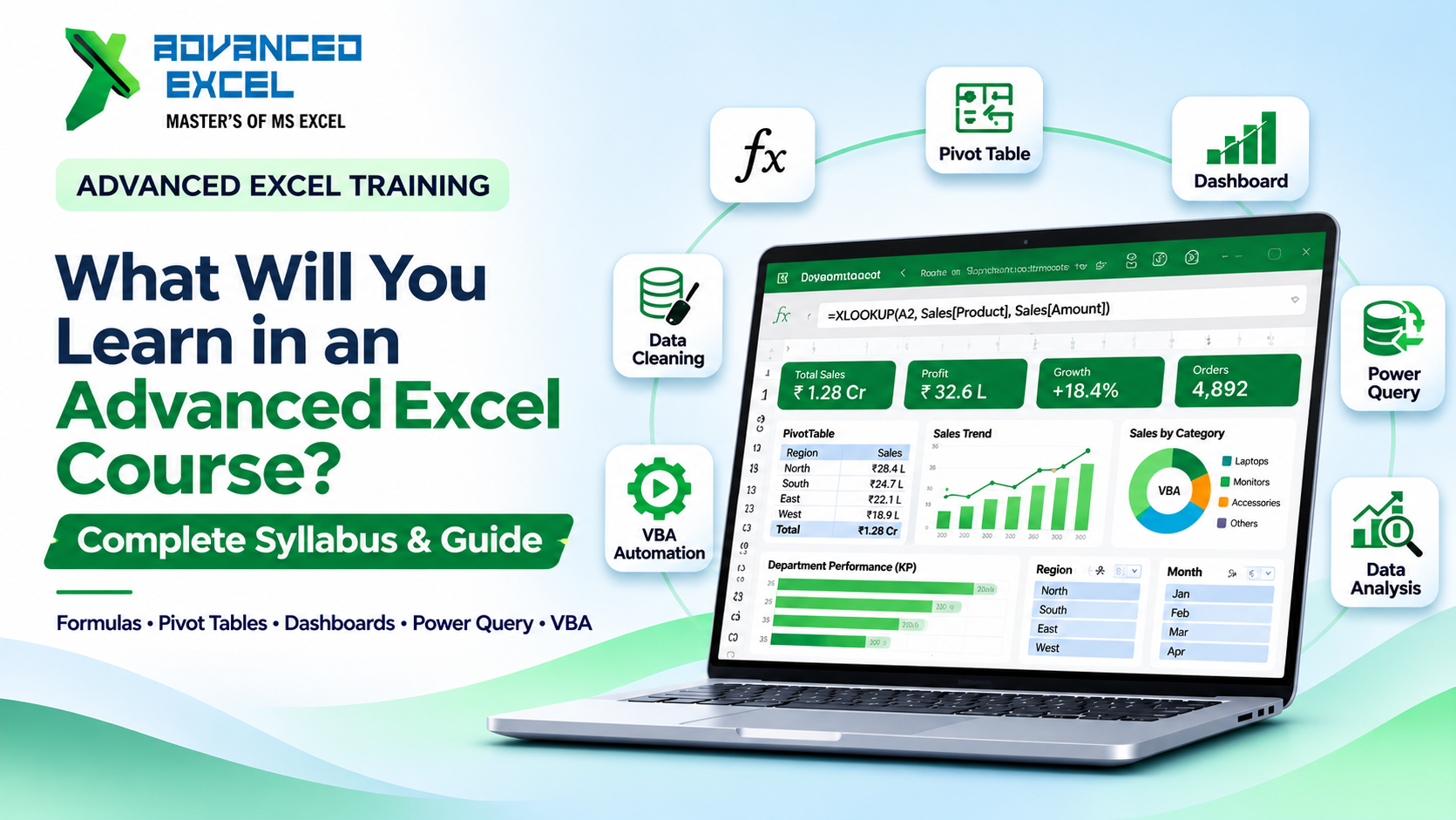
Advanced Excel Training is more than just formulas and spreadsheet formatting. It covers advanced functions, data cleaning, Pivot Tables, dashboards, data analysis, Power Query and automation with macros and VBA.
As a student, working professional or business employee you can use these techniques to work with data effectively and increase the efficiency of your reporting.
Advanced Excel will offer opportunities for learners and organisations to build practical skills in Excel using structured learning and business-based training. When used effectively, Excel can be a tool that can increase productivity, analysis, and even professional growth.
Enhancing your spreadsheet abilities and developing self-confidence in reporting for business is a worthwhile way to develop your skills.