Microsoft Excel is now one of the most commonly used tools in business. Excel helps businesses create reports, analyse data and make well-informed decisions to increase productivity. If you do not have a strong knowledge of using spreadsheets you may struggle with some complex requirements within business which is where Advanced Excel Training comes in handy.
Advanced Excel will help you build practical skills to analyse data, create reports, automate and manage spreadsheets. Whether you are a student, a working professional, accountant, business analyst or a manager you can greatly increase your efficiency by learning advanced excel skills.
At Advanced Excel you will build practical skills to help you grow professionally.
What Is Advanced Excel Training?
An Advanced Excel course will teach you advanced features and functions within Microsoft Excel. Using advanced excel will allow you to do complex calculations, analyse data, create automated reports, dashboards and business intelligence.
Professionals using advanced excel will be able to manage large data sets, reduce repetitive tasks, create accurate reporting and present information in a clearer way.
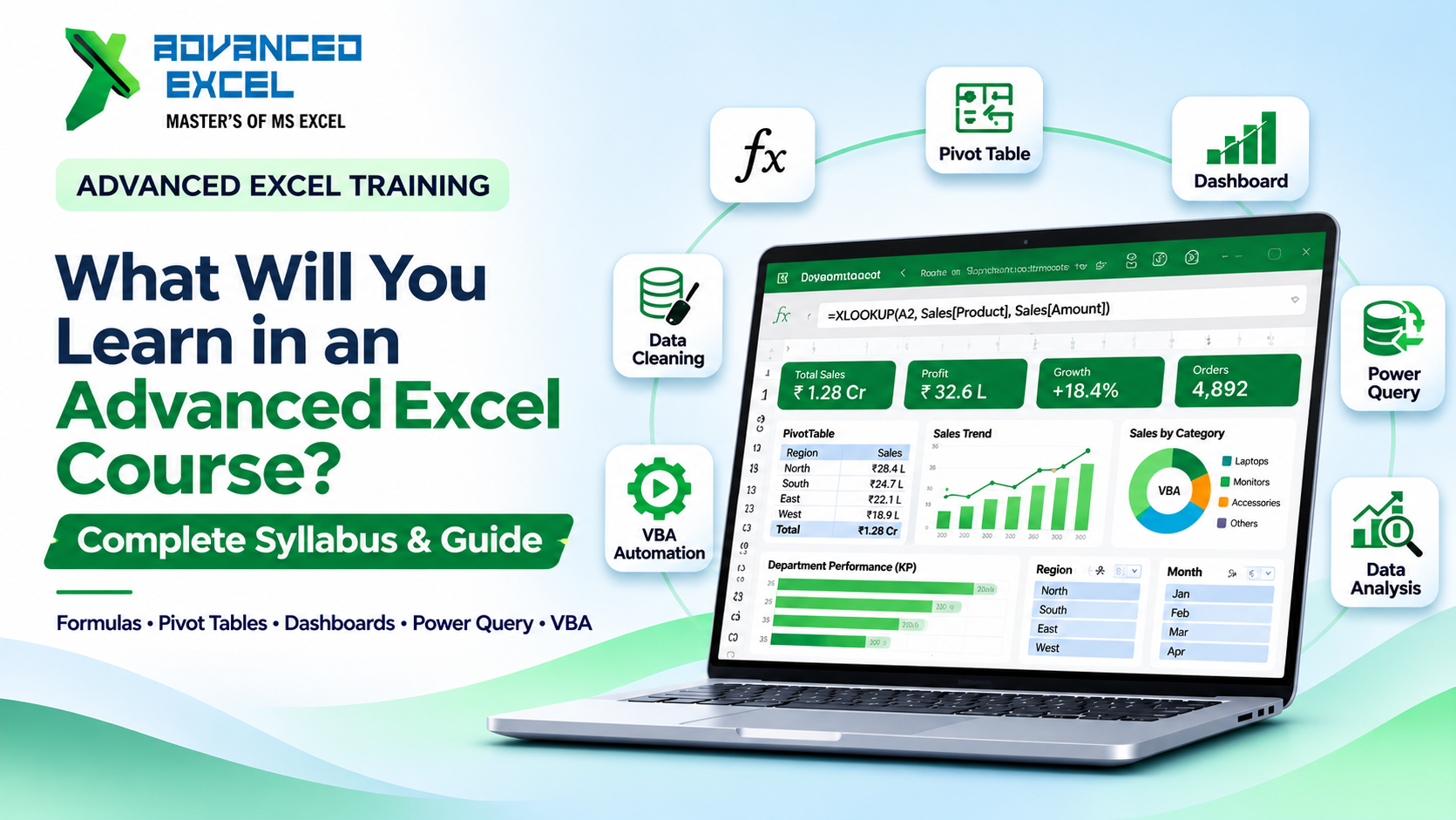
Important topics covered when learning advanced excel include:
Advanced formulas and functions
- Pivot Tables and Pivot Charts
- Data validation
- Conditional formatting
- Advanced lookups
- Dashboards
- Data analysis
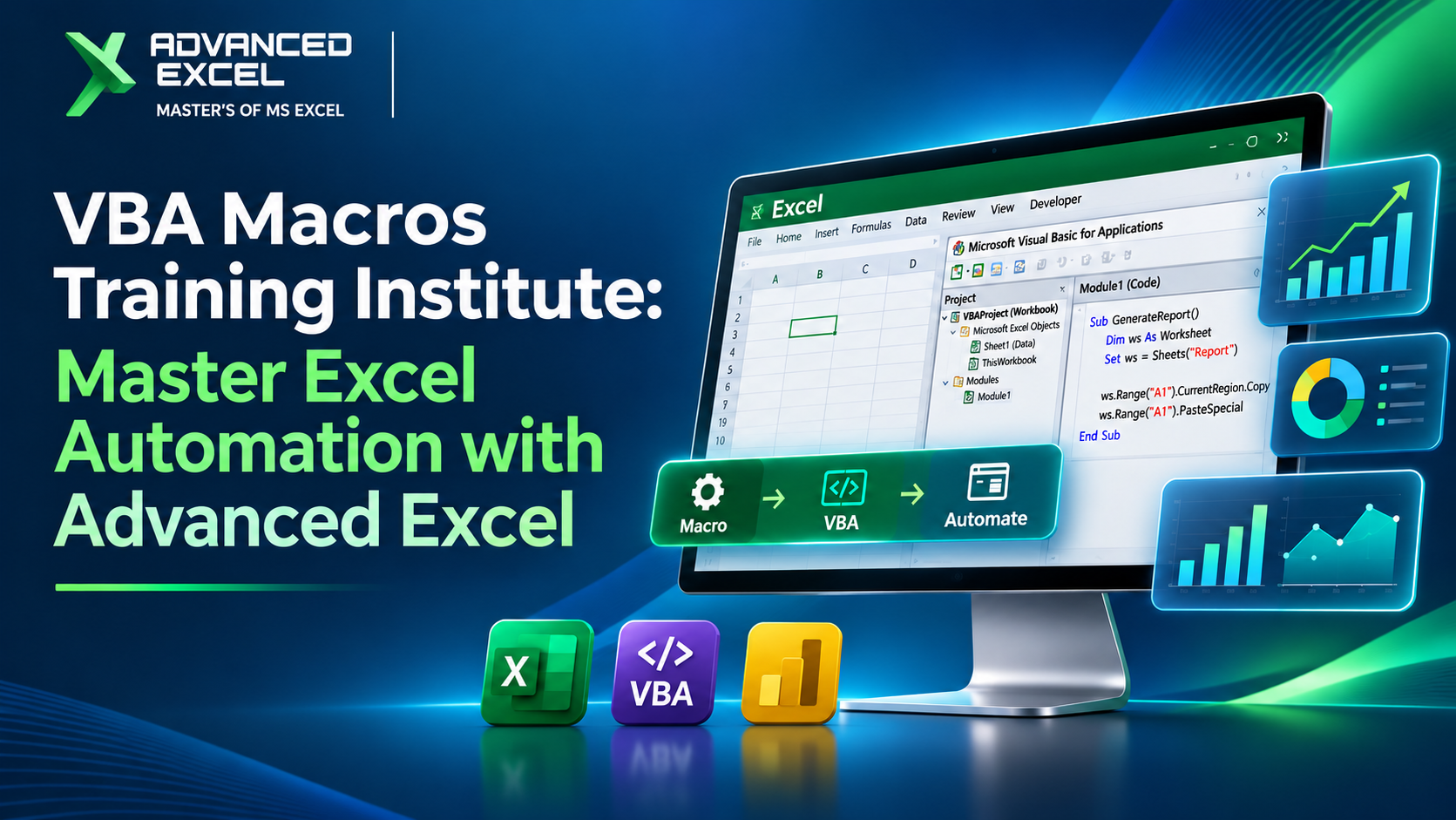
- Automation (Macros)
- Reporting and spreadsheets
These skills can be used in many industries including finance, accountancy, banking, education, marketing, sales, HR and business.
Why Is Advanced Excel Important For Professionals?
Microsoft Excel is commonly used in businesses to help them manage, calculate, analyse and present information.
By learning advanced excel features you will be able to perform your everyday tasks more efficiently.
Improved Data Analysis
Advanced Excel will allow you to analyse large amounts of data using formulas, Pivot Tables, filtering and charts.
Increased Efficiency In The Workplace
Many tasks within a business are repetitive with lots of calculations and reporting. Using advanced excel will help you make tasks easier.
Improved Reporting Skills
You will be able to create clear reports, dashboards and visual presentations.
Reduced Manual Errors
Using formulas, automation and clear spreadsheets will help reduce manual calculations and improve accuracy of business reports.
Improved Career Opportunities
Having Excel skills is an important requirement for many professional roles. Improving your advanced excel skills will help improve your resume and ability to perform analytical tasks.
Important Skills Taught In Advanced Excel Training
An advanced excel course will teach you many practical excel features.
Advanced Excel Formulas And Functions
Formulas are an important part of advanced spreadsheets. By learning advanced functions you can perform calculations and manage data efficiently.
Important functions to learn include:
IF and Nested IF
SUMIF and SUMIFS
COUNTIF and COUNTIFS
INDEX and MATCH
XLOOKUP and VLOOKUP
IFERROR
TEXT and DATE
These functions are commonly used in finance, employee records, sales, stock and reporting.
Pivot Tables And Charts
Pivot Tables are a great tool to analyse large data sets. They allow you to sort data into different categories.
For example, if you were a sales manager you could analyse your monthly sales, product sales, employee sales and sales per region using Pivot Tables.
Pivot Charts can then be used to create visual reports.
Data Validation And Conditional Formatting
Data validation will ensure your data entered into your spreadsheet is accurate.
Conditional formatting will highlight data based on certain criteria. This can be used to identify overdue payments, low stock, top performing employees or unusual values.
This is great to keep your business data organised.
Creating Dashboards
Dashboards can be created in Excel to give a visual overview of important business information.
Professionals will be able to create dashboards using charts, Pivot Tables, formulas and interactive filters. This will help them see their KPIs.
Your dashboard could show information about your sales, revenue, finances, customers and operations.
Creating dashboards is an important skill for professionals working in reporting and analysis.
Automation (Macros)
Macros can be used in Excel to automate repetitive tasks. You can record or write macros to make your reporting, data analysis and regular business documents easier.
Learning about automation can be a great way to improve efficiency when working with large spreadsheets.
Who Should Take An Advanced Excel Course?
Advanced Excel can be taken by many people with different educational backgrounds.
Students – Improve practical skills on computers to help with office based roles.
Accountants – Help manage your financial statements, calculations, reconciliations and reports.
Business Analysts – Manage your business information, identify trends and create meaningful dashboards.
HR – Manage employee records, attendance reports, payroll and recruitment information.
Sales and Marketing – Analyse sales, customer data, marketing campaigns and business goals.
Working Professionals – Improve productivity when using spreadsheets.
Advanced Excel Corporate Training
Many organisations require their employees to use spreadsheets. This could be for reporting, planning, budgeting and analysing performance. However, employees may not all have the same level of knowledge within Excel.
Advanced Excel Corporate Training will help improve your employees’ spreadsheet skills.
Courses can be tailored to meet the needs of your company and the current skill level of your employees.
Topics could include:
- Reporting and analysing data
- Advanced formulas
- Automated reports
- Interactive dashboards
- Managing financial and operational data
- Improving productivity
These courses will help your employees apply their Excel skills to their role. It can also help your organisation create consistent reporting.
Advanced Excel Corporate Training In Delhi
Delhi is an important hub for business and professional education. Many organisations will require employees with the ability to manage data efficiently.
Taking an Advanced Excel Corporate Training course in Delhi will give your company a great learning opportunity.
Customise your corporate training to improve your employees’ productivity. The courses will focus on practical skills rather than just theory.
Courses can be tailored to different departments including finance, accountancy, administration, sales, marketing and operations.
Your employees will learn how to create reports, analyse data sets, automate repetitive tasks and create dashboards.
Advanced excel is a great skill to learn if your organisation requires regular reporting using spreadsheets.
How To Choose The Right Advanced Excel Course
It is important to choose the right course to get the most out of your learning.
Consider the following:
Practical – Choose a course with practical tasks and spreadsheet exercises relevant to business.
Expert Trainers – Having expert trainers will help you understand complex functions.
Comprehensive – Ensure you cover formulas, Pivot Tables, dashboards, data analysis and automation.
Real Projects – Practical projects will help you understand how Excel is used in a professional setting.
Flexible – Choose a course that fits around your busy working life and education.
At Advanced Excel we will help you build your spreadsheet knowledge to help you in the workplace.
Conclusion
Advanced Excel is an important skill to learn for professionals and businesses. Advanced formulas, Pivot Tables, dashboards and automation will help improve your reporting, analysis and productivity.
Understanding what Advanced Excel Training involves will help you gain confidence in completing complex spreadsheet tasks.
Advanced Excel Corporate Training will help improve your employees’ skills and improve reporting. If you are looking for practical spreadsheet training Advanced Excel Corporate Training In Delhi can help your organisation.
Whether you want to improve your current Excel knowledge, prepare for a new career opportunity or improve your employees’ performance learning advanced Excel skills can be a great investment.
Start improving your Excel skills at Advanced Excel.