Data is a crucial asset for businesses today, enabling them to make informed decisions, boost productivity, and operate efficiently. Microsoft Excel is still one of the most popular applications for managing business data. Doing repetitive work by hand can, however, take time and add to the risk of mistakes. This is where VBA (Visual Basic for Applications) comes in use. A Professional VBA Macros Training Institute can equip students and professionals with hands-on skills to streamline Excel tasks and enhance productivity in the workplace.
Advanced Excel offers organized learning for those desiring to enhance their spreadsheet proficiency and grasp automation, while establishing a solid foundation in data analytics. Through hands-on training, students will gain insights into macro operation, learn to write VBA codes and develop automated Excel solutions for actual business requirements.
What Is VBA Macros Training?
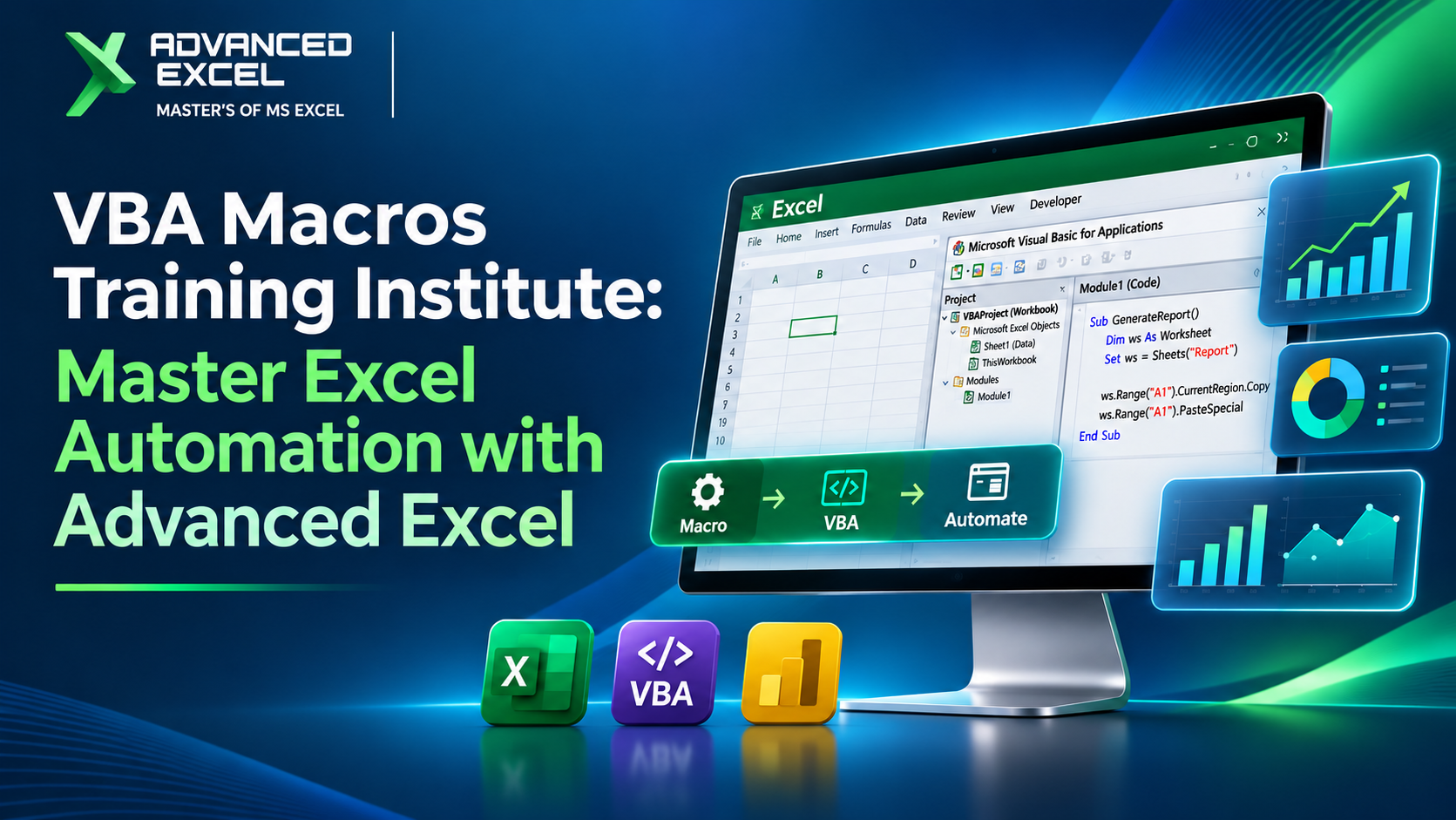
VBA is also known as Visual Basic for Applications. It is a programming language embedded in Microsoft Office applications, such as Excel. VBA can be used to automate repetitive tasks, build custom functions, produce reports, and build interactive spreadsheet solutions.
A professional VBA Macros Training Institute assists learners to understand the basic concepts of programming and use them in real life Excel tasks. Users can automate multiple operations by creating macros and executing them automatically, rather than manually doing them daily.
For instance, VBA can be useful in the following:
– Automation of monthly and weekly reports.
– Data cleansing and data formatting of large data sets.
– Generating auto-generated invoices and work sheets.
– Making charts and summaries.
Importing Data from several Excel workbooks.
– Creating personalized Excel workbooks.
– Minimising manual data entry tasks.
Accountants, MIS executives, Finance, Data Analysts, and Business Administrators are especially benefited from these skills.
What is VBA Macros?
While Excel is a vital business document tool, sometimes its standard capabilities are not enough for more intricate tasks. VBA enhances Excel’s functions by letting the users automate the processes and customize their spreadsheets.
Some of the key advantages of learning to program VBA macros:
- Automate Repetitive Tasks
Many professionals have to repeat a lot of operations on Excel for many hours. VBA macros can streamline these tasks, freeing up employees’ time for more important work.
- Improve Accuracy
Human effort can result in errors such as data entry, incorrect formatting, and calculation errors. Macros can standardize processes and minimize human errors if correctly developed.
- Save Time and increase productivity
Tasks which may need multiple manual actions can often be automated using a single macro. This helps to streamline workflow processes and saves precious working hours.
- Develop Professional Skills
VBA is helpful to any finance, accounting, reporting, administration and data management professional. It can also help build candidates’ technical credentials.
- 5. Use the Solver Tool to find the optimal
VBA enables the user to create custom forms, automated reports, buttons and functions to suit business needs.
What will you learn in a VBA Macros Course?
A well-designed training programme should include both theory and the application of theory. Advanced Excel offers students the chance to delve into the concepts of automation and gain confidence in using it in the workplace.
The general outline of the main topics are:
Excel VBA Fundamentals: Learn about the VBA environment, Visual Basic Editor, macros, modules and basic programming concepts.
Record and Run Macros: Record, run and interpret the VBA code generated by macros.
Variables and Data Types: Know about variables, strings, numbers, dates and other common data types.
Loops and Conditions: Understand IF statements, FOR loops and other programming constructs for automating repetitive operations.
Understand how to open, close, edit, copy and manage Excel workbooks with VBA.
User Forms: Create interactive forms to gather data and make spreadsheets more user friendly.
Error Handling: Understand and use error handling in VBA programs.
Create real world automation projects using our expertise to report, clean data, generate invoices, and automate business processes.
Practical assignments are vital as it allows a learner to see how VBA would be applied in real working environments.
How Advanced Excel Training will help in the learning of VBA
It is important for learners to be familiar with advanced features of Excel before entering into the automation. That’s why advanced excel training can be a big contributor to the development of a solid foundation.
Advanced Excel includes in-depth training in advanced spreadsheet functions and data-management techniques, commonly used by professionals. These skills will help you see how VBA can enhance current Excel tasks.
Important topics include:
– Advanced Excel formulas and functions.
– VLOOKUP, XLOOKUP, INDEX, and MATCH.
Pivot Tables & Pivot Charts.
– Conditional Formatting.
– Data Validation.
– High levels of filtering and sorting.
– Dashboard creation.
– Data cleansing and data management.
– MIS reporting techniques.
With a blend of spreadsheet skills and knowledge of VBA programming, learners can develop more efficient reporting systems and address more complex business requirements.
Connection Between VBA Macros and Power BI Course
In today’s world, companies need experts that can operate various data tools. Both Excel and Power BI can be used for the management and automation of spreadsheets, and for the creation of meaningful visual reports based on business data.
A power bi course can be designed to complement the knowledge of VBA and allow students to learn about business intelligence, data visualization, and interactive dashboard development.
These technologies meet various business needs as follows:
| Technology | Main Purpose |
| Advanced Excel | Data analysis and spreadsheet management |
| VBA Macros | Automating repetitive Excel operations |
| Power BI | Interactive dashboards and business intelligence |
For instance, an MIS executive can manage business data in Excel, perform repetitive reporting using VBA and visualize valuable business data in an interactive dashboard using Power BI.
The collaborative learning of these tools can help professionals broaden their understanding of data management and reporting.
Who is it for VBA Macros Training Institute for?
VBA training courses are for people who use spreadsheets frequently and wish to increase their productivity.
The program can be beneficial for:
Students / Fresh Graduates: Develop practical skills for creating Excel automation and advance your technical knowledge before going to the job market.
For Business Users: Automate repetitive tasks in spreadsheets and enhance work efficiency.
Accountants and Finance Professionals: Make easy financial calculations, invoice creation and monthly reporting.
MIS Executives: Automate your data consolidation, reporting and dashboard related activities.
Data Analysts: Enhance data processing capabilities and automation on spreadsheets.
Business Owners: Save time in administrative tasks and develop custom reporting options.
VBA programming can be learned by a step-by-step training with even the basic understanding of write-up a formula in Excel.
After completing this course, you will be prepared to pursue a career in the following fields:
VBA skills can be applied to job advancement in areas such as reporting, data processing, spreadsheet management and business operations.
A few pertinent job titles are:
- MIS Executive
- Advanced Excel Executive
- Data Analyst
- Financial Analyst
- Reporting Executive
- Business Operations Executive
- Excel Automation Specialist
Job prospects are based on experience, technical skills and employer needs. Having both VBA and Excel and Power BI skills can enhance candidates’ professional profiles.
So, why should you opt for Advanced Excel for Professional Training?
When studying technical skills, it is crucial to select the appropriate training institute. The learning environment should be practical, have an organized approach, and should be industry relevant.
By using a hands-on method, Advanced Excel is designed to provide to students the skills that are necessary to use spreadsheets and manage data effectively.
The following are some of the considerations for using Advanced Excel:
Differentiated instruction in skills.
Concentrate on real-world uses of Excel.
Advanced spreadsheet concepts.
The student has been exposed to VBA automation techniques.
Opportunities to learn about data reporting and analysis.
Advice on applying technical ideas to business activities.
Learners are advised to check the Course Syllabus, Training Format, Practical assignments, Trainer Experience and Support prior to enrolment.
Conclusion
For most business people, managing business data is a regular activity that requires them to have known Excel automation. Knowledge of VBA Macros will enable repetitive tasks to be reduced and reporting to be enhanced and customised spreadsheet solutions will be created.
It is beneficial to students and professionals to attend a professional VBA Macros Training Institute to enhance their technical skills. Advanced excel training and a power bi course can further enhance the expertise of data analysis and automation and business intelligence gained from VBA.
Advanced Excel is designed to develop learners’ practical skills for use in the workplace. Begin learning about Excel automation today and begin to become more efficient and confident at working with business data.