In the present cut-throat business world, the professionals are required to accomplish work rapidly, coordinate with numerous bits of data and create accurate reports. Microsoft Excel is a common tool used for these tasks, but repetitive manual tasks can take up a lot of time and introduce potential for human error. This is where Excel automation comes in handy, as it can help users streamline their repetitive tasks and boost productivity.
A good VBA Macros Training Institute can guide students, working professionals and business teams to master the process of automating Excel tasks using Visual Basic for Applications (VBA). By following the proper procedures, students will be able to write macros, automate calculations, format reports, organize worksheets and develop custom solutions for common business needs.
Advanced Excel gives a learning-oriented method to anyone who wishes to reinforce their spreadsheet and automation skills. Whether you’re just beginning to use this spreadsheet program or already have a little experience with Excel, being able to learn some VBA can help you be more efficient and more add valuable technical skills to your professional toolbox.
What do mean by “VBA Macros” in Microsoft Excel?
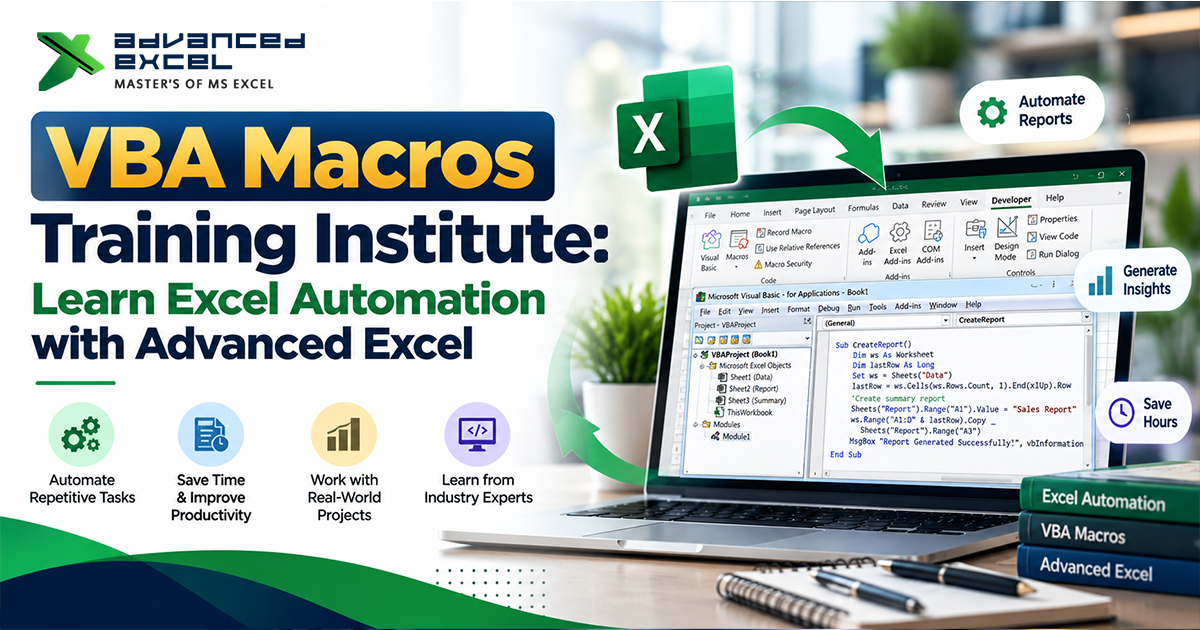
VBA or Visual Basic for Applications is a programming language that helps to automate tasks and customize applications, including MS. Excel. A macro is a series of instructions that execute a series of actions automatically.
For instance, let’s imagine that a professional is creating a sales report each month. Similar tasks can be required each month such as cleaning data, formatting, calculating totals, summarizing, and creating charts. Many of these can be done with a single command by a VBA macro.
Here are some examples of where Excel macros can come in handy:
– Performing repetitive formulas and formatting.
– Data cleansing and data organisation for big data.
– Developing and standardizing business reports.
Replicating and merging data within worksheet and between worksheets.
– Creating summary statements and charts.
– Conducting regular data checks.
– Automation of repetitive tasks.
Learning about these capabilities can enable learners to identify areas where they can enhance the productivity of finance, accounting, administration, sales, operations and reporting functions.
Why use a VBA Macros Training Institute?
Without knowledge of the programming concepts, it can be difficult to learn VBA by yourself. Learners are taught structured lessons, they have the opportunity to practice some of the common tasks, and they slowly begin to write their own code.
The theoretical explanations and practical exercises should be integrated into a suitable training program. Instead of memorising code, the learner should be able to understand the purpose of each instruction and how it helps to complete an overall automation process.
The objective of Advanced Excel is to enable learners to develop their excel skills in hands-on and skill development. Discuss the curriculum being offered and what it contains when choosing a training provider; macro recording, VBA basics, loops, conditions, worksheet automation, debugging, and real world assignments.
If you are new to recording macros, then the structured learning experience can help you take the first step to learning how to create macros that are more flexible to automation. It can help to make the concepts of programming more understandable by linking them to common spreadsheet operations.
What are the Skills You will Acquire at VBA Macros Training?
The following items should be part of a comprehensive course in VBA to enable learners to gain practical automation skills.
- Introduction to Macros
Let’s first understand what a macro is, why it is needed and its importance in Excel automation. How to record macro, assign to button, and play back to repeat a series of actions. This is a good way to get started for those new to the field.
- VBA Editor and Programming Fundamentals.
Get familiar with the VBA Editor and the structure of VB code. Understand variables, data types, operators, procedures and comments. These are the basics that will aid you in writing readable and maintainable programs.
- Conditions and Loops
Understand how to use conditional statements such as IF to make decisions with data. Know how to use loops like FOR and DO WHILE to repeat lines, columns or worksheets.
A macro can, for instance, look for a record where sales are above a specified level and automatically highlight the record.
- Automate worksheets and workbooks
Learn to use worksheets, range, cell, and workbook using VBA. Learn how to copy data, insert rows, format data, and filter and consolidate data from several worksheets.
- Automated Reports
Understand how to create Macros to generate repetitive reports. Automation can range from data preparation, calculations, formatting, summary tables, and chart creation, depending on the task.
- Error Handling and Debugging
Know how to troubleshoot and debug VBA code. Understand how to debug, how to view variable values and how to incorporate more robust error handling to make automation reliable.
- Practical Automation Projects
Use the knowledge in projects: Monthly sales reports, attendance summary, preparing invoices, tracking inventory, etc., and data-cleaning workflows. The assignments are designed to reinforce the concepts of programming and relate these ideas to typical workplace needs.
Regular use of VBA will enable learners to gain a deeper understanding of the use of VBA for accurate and repeatable spreadsheet processes.
What you can learn in Excel Classes.
Structured Excel Classes offer a solid foundation and can be beneficial for learners before moving forward to advanced automation. With knowledge of formulas, functions, tables, charts, sorting and filtering, and lookups, it is better to know what tasks are suited for VBA.
If you are a new programmer, it may be helpful to master the basics of a spreadsheet before starting to learn about programming concepts. Advanced users of Excel might find it easier to start recording macros and coding in VBA.
The learning plan should be well structured to motivate students to use datasets, solve practical problems and know the meanings of every formula or instruction used.
VBA knowledge can be paired with advanced-level Excel skills. People with knowledge of lookup functions, pivot tables and data cleaning techniques, for example, can create more efficient automated processes. They can use appropriate Excel properties and functions along with VBA as a solution when automation provides a definite benefit, rather than using a macro for all issues.
When comparing courses, check out the topics covered, the experience of the trainers, the practice assignments, and the learning support, to see which program best fits your skill set.
Why take the course to an Advanced Excel Institute?
Choosing the right Advanced Excel Institute can be a significant decision when it comes to studying and improving your reporting and automation skills. The right institute should have a practical approach with proper guidance and provide an opportunity to put learning into practice by doing exercises.
Here are a few factors to take into account before signing up:
Practical curriculum: Check for lessons that include Excel functions, data analysis, Macros, VBA programming, and automation projects (if applicable).
Technical knowledge: Trainers must be able to clearly explain technical concepts and show how to apply them in typical business situations.
Realistic datasets for hands-on exercises: help learners understand how different features work with realistic datasets.
Project-based learning: Learners can demonstrate their skills by working on tasks like auto-generated sales reports or inventory reports.
Flexible learning options: These include appropriate class times and learning methods that can accommodate students and working adults.
Advanced Excel is designed to reinforce students knowledge of spreadsheets and introduce automation. Ensure you are aware of the syllabus, course duration, fees, class time and the type of support available prior to selecting a program.
Who needs to learn VBA Macros?
VBA can be helpful to those who frequently use spreadsheets and desire to automate repetitive manual tasks.
Students and Fresh graduates: Build skills in practical technical skills which can be complemented with academic qualifications.
MIS executives: Enhance and automate recurring reports, minimize repetitive data processing.
For accountants and financial experts: Take care of calculations, financial summaries, and regular financial reporting tasks automatically.
Human resource professionals: Streamline certain HR workflows, such as attendance, HR records, and employee reports.
Sales and Operations teams: Create standardised summaries and structure regular business data.
Advanced Excel users: Make use of custom designed macros and automation.
An understanding of basic Excel is beneficial prior to writing VBA code. It is also important for learners to be aware of the need to undertake the correct testing and security measures when using macros, especially when dealing with information that is vital to the business.
The advantages of career learning Excel VBA.
VBA can be utilized along with reporting, operations, financial, administration, and data management skills. Automation knowledge could be a plus for an MIS Executive, Reporting Analyst, Operations Analyst, Finance Executive or an Excel Automation Specialist depending on your experience and background.
VBA is not just about understanding the syntax of the language – it’s about solving real-life problems. Employers will value people who are capable of recognizing repetitive processes, creating dependable solutions, testing the solution products and deliver an explanation of how automation helps improve a process.
Create a mini portfolio of projects to showcase your skills. A macro may be used to combine together monthly sales files, to format a financial report or to verify a dataset for any missing values. Write up the original issue, what steps were automated, and how it turned out.
Test macros carefully, keep important files backed up and use trusted sources of code. Macros can also be disabled by the organisation’s security policy, so automation should be in line with the organisation’s requirements.
Conclusion
But, for professionals, Excel automation can significantly cut down on repetitive tasks, enhance reporting uniformity, and handle spreadsheet-driven workflows more efficiently. By learning VBA, users can automate many of the tasks in Excel and create custom solutions for common business problems.
Students who want to expand their skills in spreadsheets and automation can begin their study of Advanced Excel. With systematic learning, repetitive exercises, and hands-on projects, you can systematically build up your Excel automation capabilities.
Review the training options, understand where you want to go and what tasks you want to automate and select a learning path that is right for you and your career. With practice, you can bring the knowledge of Excel into actual automation practice.