Primary- Power BI Classes
Secondary- Power BI Institute in Delhi, Power BI classes In Delhi
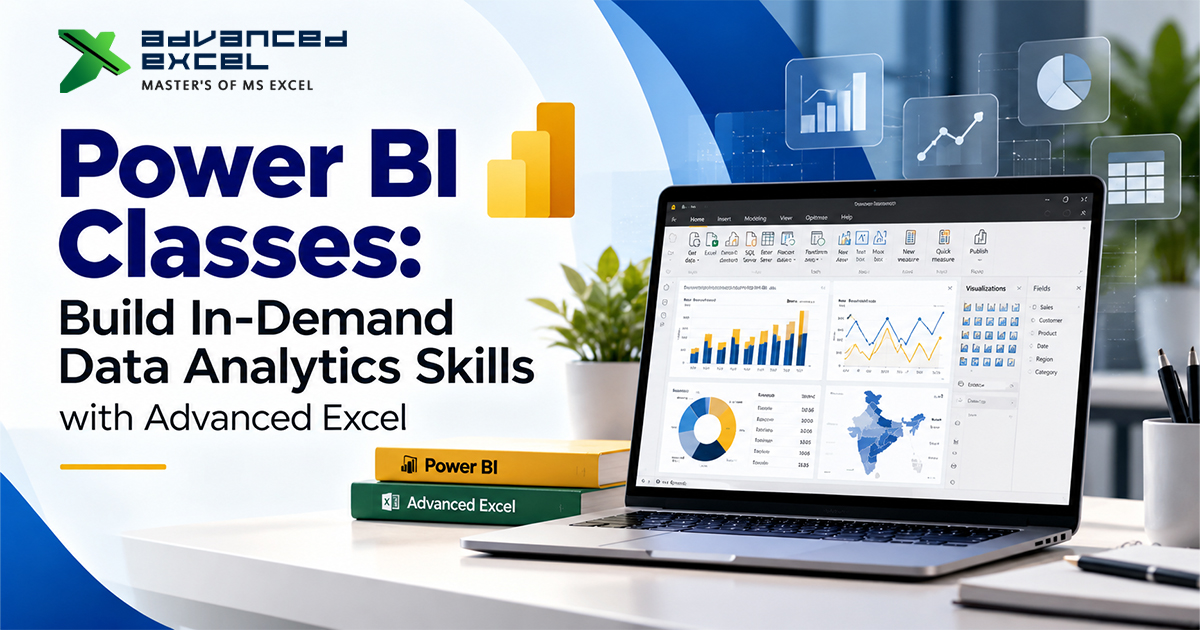
Power BI Classes: Build In-Demand Data Analytics Skills with Advanced Excel
This course will introduce you to Power BI and how to leverage data analytics to serve your business. Data is a very important asset in decision making process in the current competitive business environment. Everyone in every organization needs to have accurate reporting, interactive dashboards, and useful insights to help them to perform better and reach their business objectives. Among the various business intelligence tools available, Microsoft Power BI classes has emerged as one of the most sought-after applications for converting raw data into meaningful and actionable insights. Students, working professionals and business owners can find exciting career opportunities in learning this technology.
Advanced EXCEL is an application that gives learners the skills to use advanced methods of analysis in a practical way, using professional training and industry oriented learning. Taking Power BI Classes can equip you with the skills needed to connect various data sources, build interactive dashboards, and manage complex data into an understandable visualization. If you’re looking to boost your current proficiency with Excel or transition into a data analytics role, structured training can be the key to success.
Why is it we need to learn Microsoft Power BI?
Microsoft Power BI is a business intelligence and data visualization application that allows them to gather, structure, analyze, and report data. It integrates with various data sources such as Microsoft Excel, SQL databases, cloud applications, and other business systems.
Its biggest benefit is its ability to transform huge amounts of data into easily interactive reports. Users can save a lot of time from creating long spreadsheets by creating dashboards that update as the underlying data changes.
Here are some important benefits of learning Power BI:
- Improved data visualization: Communicate data in charts, graphs, maps and interactive dashboards.
- Better decision making: Be able to use data to identify trends, patterns and performance gaps.
- Improved productivity: Automate repetitive reporting, and create reports that can be reused.
- Career development: Develop business analysis, reporting, financial, marketing and operations skills.
- Application of practical business: Interpret sales data, customer behavior, costs, stock and organizational performance.
Power BI possesses these capabilities, which is why it’s valuable skill that every user of modern reports and business analysis should possess.
What will be covered in Power BI Training?
Fundamental concepts should be integrated with practical assignments in a well-structured training program. Advanced Excel will give students a chance to learn about the key capabilities of Power BI and how they are useful in business scenarios.
- Introduction to Power BI
Start with an understanding of the Power BI ecosystem for Power BI Desktop, Power BI Service, reports, dashboards and data visualization. Understand the interaction between these components to enable business intelligence and reporting.
- Process Data Import and Data Transformation
Data can be collected from various sources, and there may be multiple instances of the same data, missing data, data in the wrong format, and data that is missing information. Know how to import data sets and manipulate Power Query to prepare data for analysis.
- Data Modeling
A good data model is essential for effective reporting. Know how tables relate, what types of data they store, primary keys, and why data is organised properly. These ideas are used to ensure calculations and reports yield dependable results.
DAX Formulas and Calculations
Data Analysis Expressions (DAX) is an important part of Power BI. Implement measures and calculated columns with SUM, COUNT, CALCULATE and DISTINCTCOUNT functions. These computations can assist in producing significant business metrics such as revenue totals, profit margins, and year-on-year comparisons.
Allows for interactivity with dashboards and reports.Provides interactivity access to dashboards and reports.
Create professional reports with charts, tables, and slicers, cards, filters, and drill through elements. You can complete exercises to gain practice building dashboards for managers to track important measures and find areas for improvement.
- Publishing and Sharing Reports.
Know how to share reports to the Power BI Service, organise workspaces, and disseminate insights to the right people. Scheduled refresh options, access permissions and the handling of business data as a responsibility are also covered at training.
These topics allow learners to gain practical knowledge of the reporting process, from getting the data in place to presenting valuable insights.
Why one should take a Power BI Institute in Delhi?
For students, graduates, entrepreneurs, and professionals to further develop their technical skills, Delhi provides learners with ample learning opportunities. Selecting a right Power BI Institute in Delhi will provide you access to organized lessons, hands-on exercises, and guidance from expert trainers.
If you are looking for a training institute, there are some factors you need to consider:
Practical learning approach: select a program that incorporates practical exercises as well as theory. You will work with real-world-style datasets that will give you an understanding of how Power BI is applied in the workplace.
Practice trainers: Trainers who have training experience can explain the concept clearly and guide the learners to avoid common mistakes.
Content updates: Data cleaning, modelling, DAX, visualization, report publishing, plus relevant updates to the software.
Support for flexible learning: Training can be done in the classroom, online, and flexible schedules can make it easier for learners and working professionals to train.
Project-based practice: Projects like sales analysis, financial reporting, and employee performance dashboards enable you to showcase your skills and develop a portfolio.
Advanced Excel is designed to give students the hands-on experience of developing skills in Excel, and how these analytical tools can be used in everyday business. Take a look at the current syllabus, availability of the batch, duration of the course and training format before enrolling to ascertain whether they fit your needs.
Who needs to take Power BI Classes In Delhi?
Power BI can be easy to use for various individuals with varying education and professions. Advanced programming doesn’t have to be the prerequisite to learning the basics.
Practical projects for students/fresh grads: Build analytical skills that are applicable to the job and enhance your CV.
For Excel users: Get more than a spreadsheet report and learn how to create interactive dashboards, data models, and automated reporting workflows.
Professionals at work: Enhance the efficiency of reporting and improve the interpretation and communication of business information.
Analyse budgets, expenses, profitability and financial performance through structured reports as finance and accounting professionals.
Marketing teams and sales teams: Monitor campaign results, customer trends, revenue and sales goals through interactive dashboards.
Business owners/managers: Keep track of business factors and make decisions based on information.
The most effective learning is through practice and the application of concepts to problems that are relevant to your field of interest.
Career Opportunities after Power BI Training
There are multiple job roles that can utilize Power BI skills. Depending on your experience, knowledge and analysis skills, you may consider the following job opportunities:
- Data Analyst
- Business Intelligence Analyst
- MIS Executive
- Reporting Analyst
- Business Analyst
- Sales Analyst
- Financial Reporting Analyst
Employers appreciate those who can make appealing charts, and more. It is also crucial to comprehend the significance of data quality, business needs, analytical reasoning, and report interpretation.
To enhance their job prospects, they can make a portfolio of two or three well designed projects to improve their chances. Some examples would be creating a sales performance dashboard, a monthly expense analysis report and an inventory monitoring dashboard. Describe the business problem, the transformation process, the actual calculations made and the insights that each project provided.
Keep in mind that getting a job is not guaranteed by just finishing a course. Other skills, such as practical, communication, domain knowledge and interviews preparation, also play a role in career success.
Why Learn with Advanced Excel?
Advanced EXCEL focuses on strengthening learner’s analytical skills through structured training and application. Learning both Excel and Power BI can be particularly beneficial, as many companies will collect data in a spreadsheet and then report and visualise with Power BI for more in-depth reporting and visualisation.
Being able to use these tools in combination will make it easier to sanitize data sets, perform calculations, create reports, and present the results. It can also simplify the process of routine reporting and enhance business information management.
When selecting a course, inquire about the learning modules, the trainers’ experience, the practice exercises, project support, and the post-training assistance available. Choosing a course at a level that fits your existing skill and career level will ensure that you are able to derive the most benefit from your investment in learning.
Conclusion
For organisations looking to harness information for meaningful business insights, Power BI has emerged as a vital tool. Data preparation, DAX calculations, modeling, visualization, and publishing reports can be used to build skills for today’s workplaces.
Advanced Excel offers training in structured courses to enhance understanding of data analysis and reporting. From student to Excel user to a working professional, the right learning plan can help you gain confidence and get ready for new challenges.
See course details, work with real-life data sets, and begin to develop a portfolio of work showing analytical skills. Building these skills over a period of time can be a worthwhile progression towards a future full of data analytics and business intelligence.