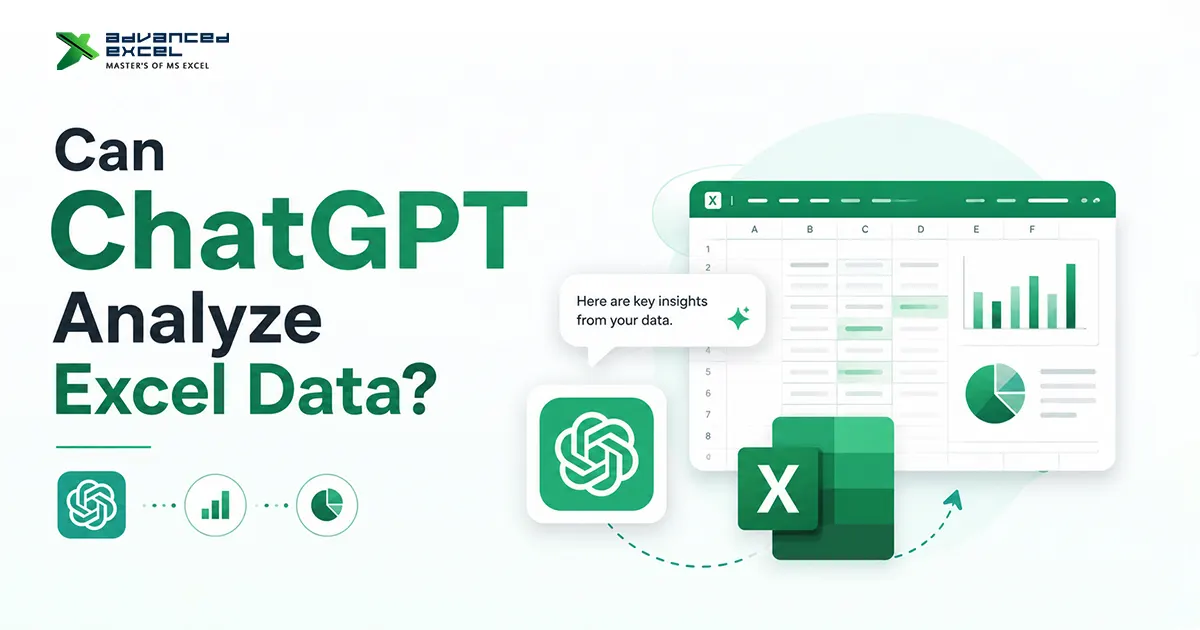
Artificial Intelligence is changing the way people work with data, and one of the biggest questions Excel users are asking today is:
Can ChatGPT analyze Excel data?
The short answer is yes, ChatGPT can help analyze, summarize, clean, explain, and even automate Excel-related tasks. From generating formulas to identifying trends in datasets, AI tools like ChatGPT are becoming powerful assistants for Excel beginners and professionals alike.
But there’s also an important reality:
ChatGPT is not a complete replacement for Excel expertise. Instead, it works best as a smart assistant that helps users save time and improve productivity.
In this guide, we’ll explore:
- How ChatGPT works with Excel data
- What tasks can it perform
- Real-world examples
- Benefits and limitations
- Best practices for beginners
- Whether AI can replace Excel analysts in the future
What Is ChatGPT?
OpenAI developed ChatGPT as an AI-powered conversational assistant capable of understanding and generating human-like text.
ChatGPT can:
- Answer questions
- Write content
- Generate code
- Explain formulas
- Analyze structured data
- Help with spreadsheets and automation
When combined with Excel, ChatGPT becomes a useful productivity tool for:
- Data analysis
- Formula creation
- Reporting
- Visualization guidance
- Data cleaning
- Automation ideas
Can ChatGPT Read Excel Files?
Yes, ChatGPT can work with Excel-related data in several ways.
Users can:
- Upload Excel files
- Paste spreadsheet data
- Share CSV data
- Describe datasets manually
Once the data is available, ChatGPT can:
- Analyze trends
- Explain patterns
- Suggest formulas
- Identify errors
- Create summaries
- Recommend charts
- Generate insights
How ChatGPT Analyzes Excel Data
ChatGPT does not “think” like a human analyst, but it can process patterns, instructions, and structured information very effectively.
Here’s how it helps with Excel analysis.
1. Data Cleaning Assistance
One of the most time-consuming tasks in Excel is cleaning messy data.
ChatGPT can help:
- Remove duplicates
- Standardize formatting
- Suggest data-cleaning formulas
- Detect missing values
- Recommend Power Query steps
Example Prompt
“How can I remove duplicate customer records in Excel?”
ChatGPT may suggest:
=UNIQUE(A2:A100)Or provide step-by-step instructions using Excel tools.
2. Formula Generation
Many Excel users struggle with formulas.
ChatGPT can instantly generate:
- IF formulas
- VLOOKUP/XLOOKUP
- INDEX MATCH
- SUMIFS
- COUNTIFS
- TEXT functions
- Dynamic arrays
Example
If you ask:
“Create an Excel formula to calculate bonus if sales exceed $10,000.”
ChatGPT may generate:
=IF(B2>10000,B2*10%,0)This saves significant time for beginners.
3. Data Trend Analysis
ChatGPT can help identify trends from sales, marketing, finance, or operational datasets.
For example:
- Sales growth trends
- Seasonal performance
- Customer behavior patterns
- Revenue changes
- Inventory analysis
Example
You can upload monthly sales data and ask:
“Identify the top-performing months and explain possible trends.”
ChatGPT can summarize the findings in simple language.
4. Pivot Table Guidance
Many beginners find pivot tables confusing.
ChatGPT can explain:
- How to create pivot tables
- Which fields to use
- How to group data
- Best summarization methods
- Filtering techniques
Example Prompt
“How do I create a pivot table to analyze sales by region?”
ChatGPT can provide:
- Step-by-step instructions
- Recommended layouts
- Suggested charts
5. Chart and Dashboard Recommendations
ChatGPT can recommend the best visualization methods for Excel reports.
Examples:
- Bar charts
- Pie charts
- Line graphs
- KPI dashboards
- Conditional formatting
Example
If your data includes monthly revenue, ChatGPT may recommend:
- line charts for trend analysis
- bar charts for category comparison
- dashboard KPIs for executive reporting
6. Explaining Complex Excel Functions
One major benefit of ChatGPT is simplified learning.
Instead of searching through multiple tutorials, users can ask:
“Explain XLOOKUP like I’m a beginner.”
ChatGPT can break down:
- syntax
- arguments
- use cases
- examples
- common mistakes
Real-World Use Cases of ChatGPT With Excel
Here are practical ways businesses and professionals use ChatGPT with spreadsheets.
Sales Reporting
Analyze:
- Monthly sales
- Top products
- Regional performance
- Conversion rates
HR Analytics
Track:
- Employee attendance
- Payroll data
- Hiring metrics
- Performance reports
Marketing Data Analysis
Review:
- Ad campaign performance
- lead generation reports
- SEO keyword exports
- Website traffic reports
Financial Analysis
Generate insights for:
- budgets
- forecasting
- expense tracking
- profit calculations
Inventory Management
Monitor:
- stock levels
- reorder alerts
- supplier performance
- demand forecasting
Benefits of Using ChatGPT for Excel
Faster Workflows
Tasks that normally take hours can often be completed in minutes.
Beginner-Friendly Learning
ChatGPT simplifies technical Excel concepts into understandable explanations.
Better Productivity
Users can focus more on decision-making instead of repetitive spreadsheet work.
Reduced Formula Errors
AI-generated suggestions can help reduce manual mistakes.
Learning While Working
Instead of only giving answers, ChatGPT often explains the logic behind formulas and processes.
Limitations of ChatGPT for Excel Analysis
Despite its advantages, ChatGPT also has limitations.
1. It Can Make Mistakes
AI-generated formulas or insights are not always perfect.
Always verify results manually.
2. Limited Understanding of Business Context
ChatGPT may not fully understand:
- company goals
- industry-specific rules
- financial compliance
- business strategy
Human judgment is still important.
3. Large Files Can Be Challenging
Very large datasets may require:
- Power BI
- SQL
- Python
- dedicated analytics tools
Instead of relying entirely on ChatGPT.
4. Data Privacy Concerns
Sensitive business data should be handled carefully when using AI tools.
Avoid uploading:
- confidential financial data
- customer records
- passwords
- protected company information
Best Ways to Use ChatGPT With Excel
To get the best results:
Be Specific
Bad prompt:
“Analyze this spreadsheet.”
Better prompt:
“Identify sales trends and top-performing products from this monthly sales dataset.”
Use Structured Data
Clean datasets improve AI analysis quality.
Verify Results
Always cross-check:
- formulas
- calculations
- business insights
before making decisions.
Combine Human Expertise With AI
The best results happen when:
- Humans provide a strategy
- AI provides speed and assistance
ChatGPT vs Traditional Excel Analysis
| Feature | ChatGPT | Traditional Excel |
|---|---|---|
| Formula Help | Fast | Manual |
| Automation Ideas | Strong | Limited |
| Human Judgment | Weak | Strong |
| Data Visualization Suggestions | Good | Manual |
| Large Data Processing | Moderate | Better with tools |
| Accuracy | Needs verification | User-dependent |
Can ChatGPT Replace Excel Analysts?
Not completely.
ChatGPT is a powerful assistant, but skilled analysts still provide:
- Strategic thinking
- Business understanding
- Advanced interpretation
- Decision-making
However, professionals who combine:
- Excel skills
- AI tools
- Data analysis knowledge
will likely have a major advantage in the future job market.
Best AI Tools for Excel Users
Besides ChatGPT, Excel users are also exploring:
- Microsoft Copilot
- Power BI AI features
- Google Gemini
- Tableau AI
- Notion AI
These tools are helping businesses automate reporting and improve productivity.
Final Thoughts
So, can ChatGPT analyze Excel data?
Yes, and it’s becoming one of the most useful AI assistants for spreadsheet users.
From generating formulas to identifying trends and simplifying data analysis, ChatGPT can dramatically improve productivity for beginners and professionals alike.
But the smartest approach is not replacing Excel knowledge with AI.
Instead, use ChatGPT as a productivity partner that helps:
- Save time
- Reduce repetitive work
- learn faster
- Analyze data more efficiently
As AI technology continues to evolve, the future of Excel analysis will likely combine:
- Human expertise,
- Automation,
- And intelligent AI assistance.